Invite the right people
Send a private link or QR code. Choose whether each new guest needs your approval before they can charge.
For home & private owners
You decide who can charge and what rate applies. Gundro records each session, so you can see exactly who used what.
Everyone gets the same clear terms and the same charging record—without comparing meter readings or searching through old messages.
Send a private link or QR code. Choose whether each new guest needs your approval before they can charge.
Set a price per kilowatt-hour and add any instructions your guests need before they plug in.
See who charged, how much energy they used, how long they charged, and the estimated amount due.
These screens use sample names and charging data.
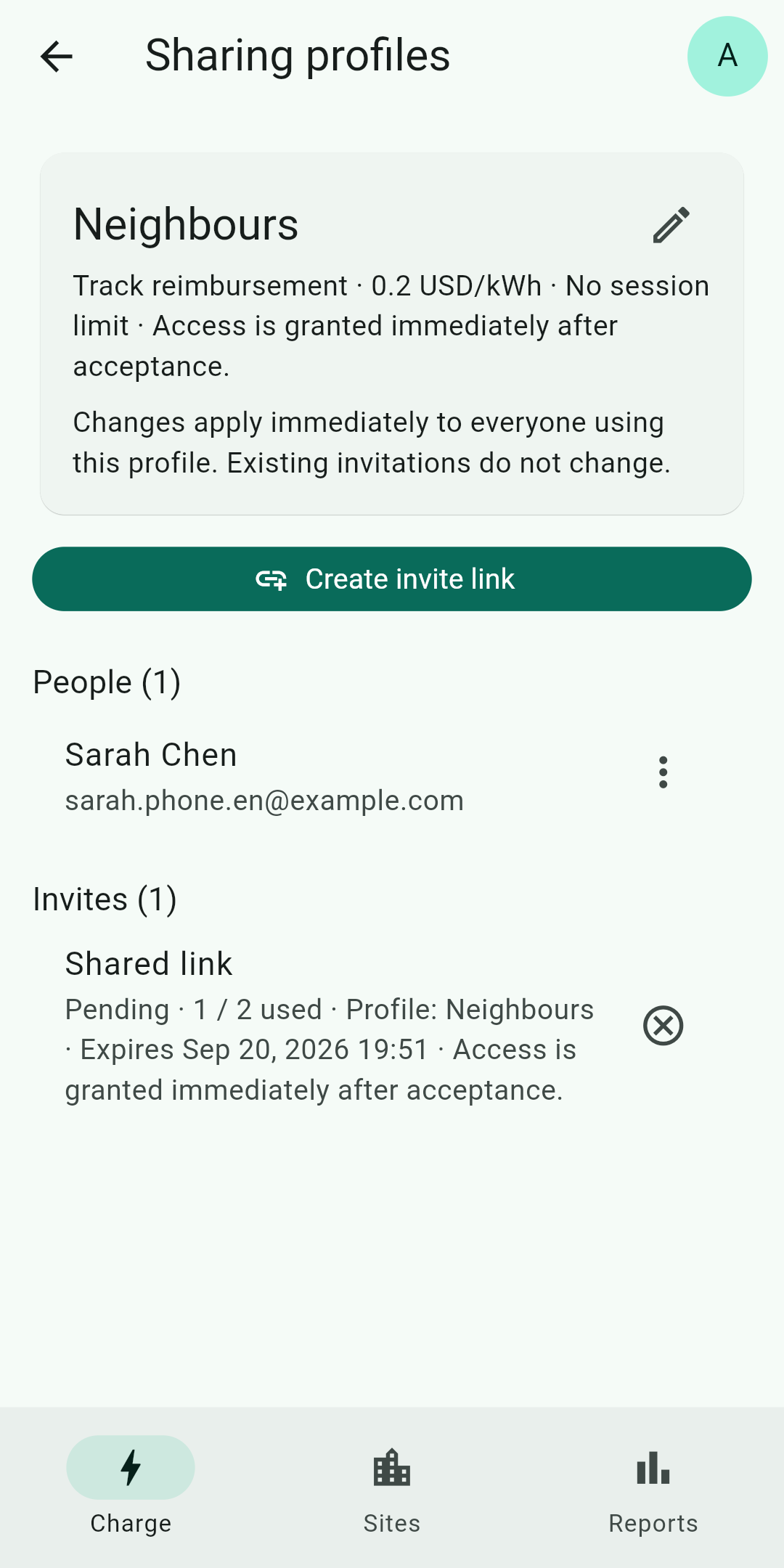
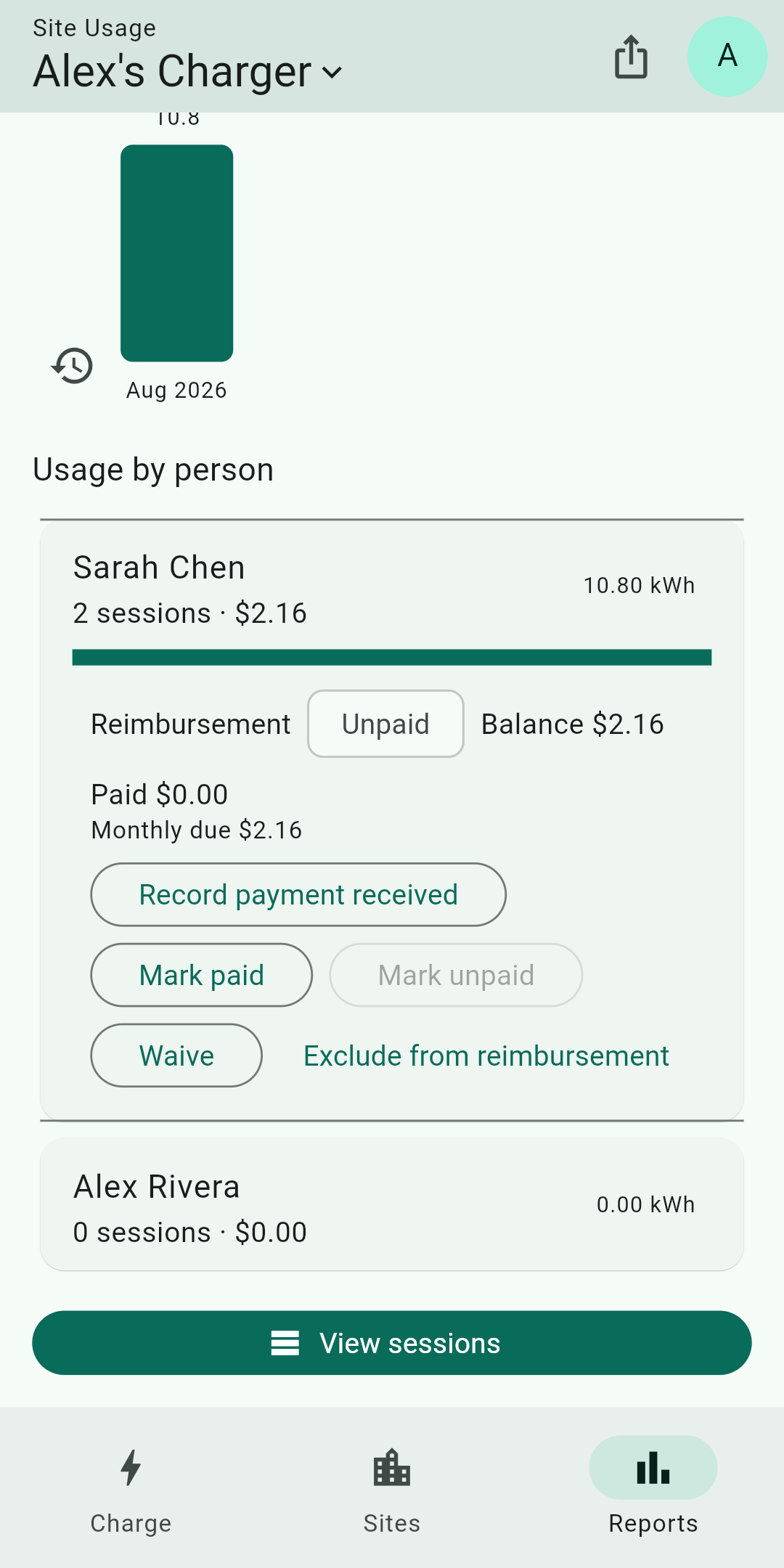
When you set a rate, Gundro calculates the estimated amount due from the charging record and lets you mark it as paid. Payment happens directly between you and your guest. Gundro does not process payments or hold funds.
Yes. Gundro records the energy and duration of each session and calculates what is owed at the rate you set. You and your guest settle directly, by bank transfer or cash. Gundro does not process payments or hold funds.
Each charging session is recorded separately with the person who charged, the energy delivered in kilowatt-hours, how long it took, and the estimated cost. You read it from one list instead of comparing meter readings.
Yes. You invite people with a private link or QR code, and you can require your approval before a new guest is allowed to charge.
A charger that supports OCPP, is connected to the internet, and lets you enter a custom OCPP server address. The OCPP setup guide explains how to check this and enter the settings Gundro generates.
Download Gundro and set up your first private sharing profile.