Invite employees and guests
Use a private link or QR code to give the right people access to your charging site.
For workplaces & visitor charging
Use a private invitation to give the right people access, then see who charged and how much energy they used.
When a charger is shared, informal access makes it hard to know who is using it and what each session costs.
Use a private link or QR code to give the right people access to your charging site.
Track who charged, which charger they used, how much energy was delivered, and how long it took.
Set a price per kilowatt-hour and keep a record of payments made directly outside Gundro.
These screens use sample names and charging data.
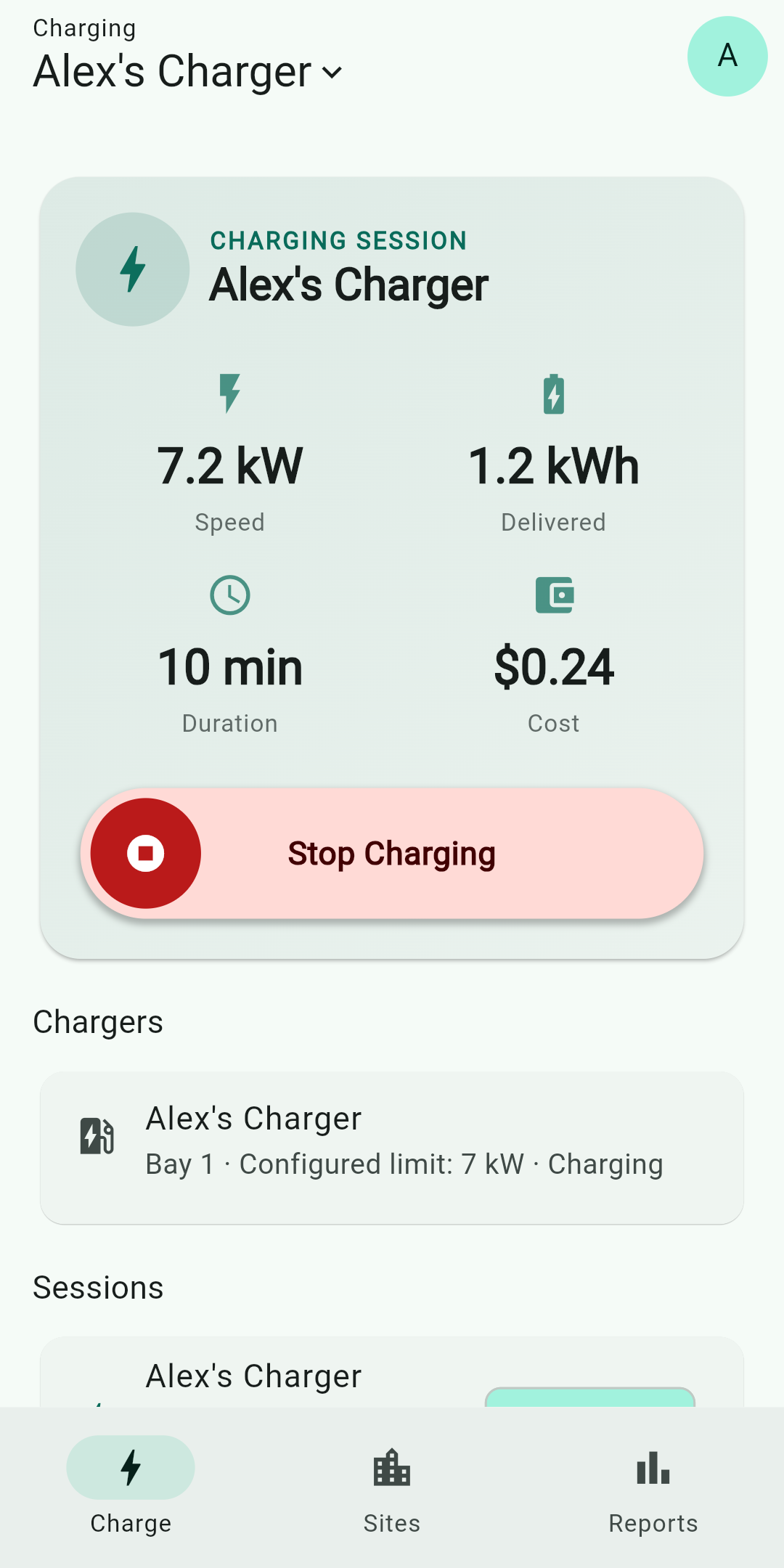
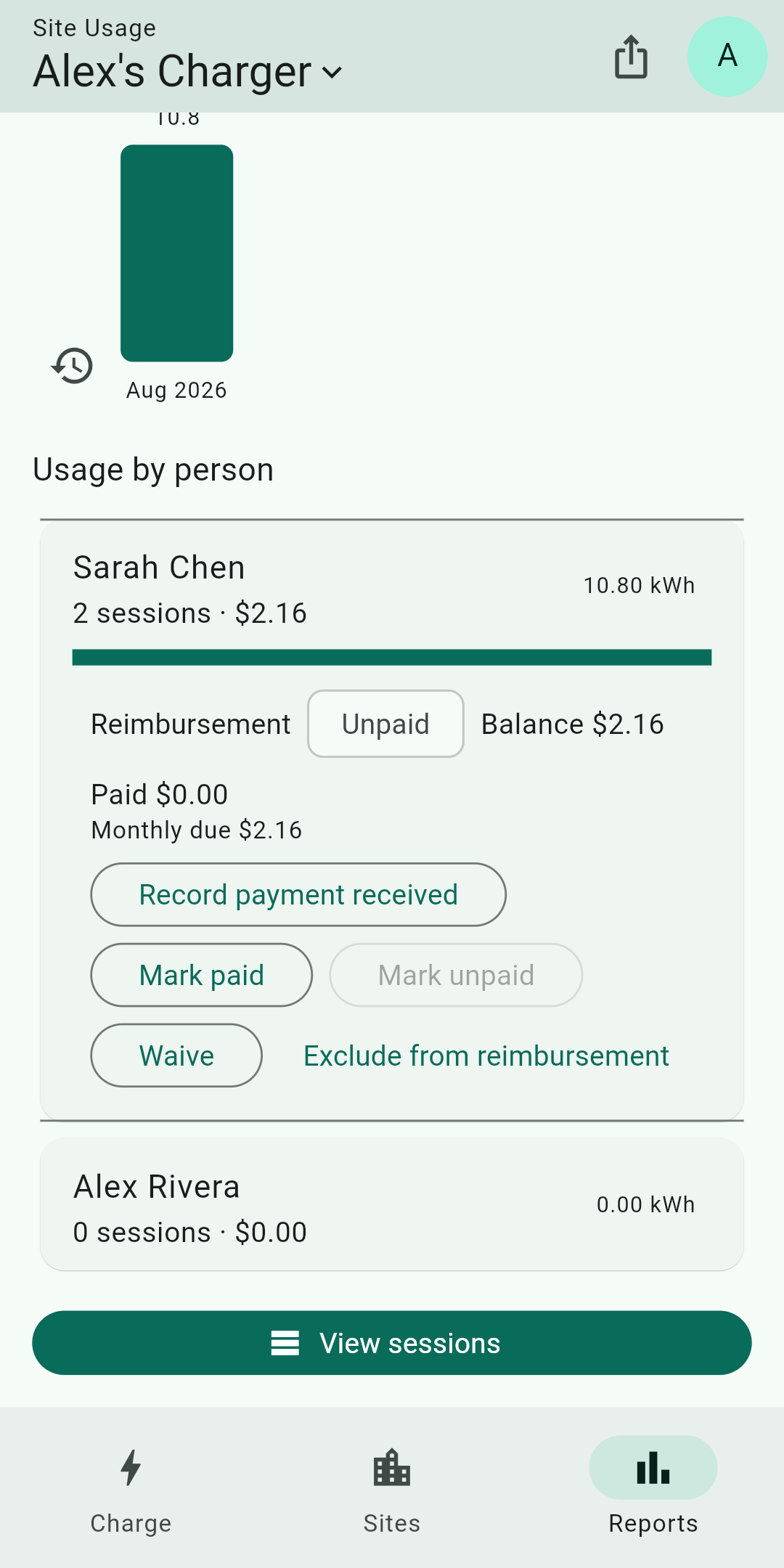
When you set a rate, Gundro calculates the estimated amount due from the charging record and lets the workplace team track its payment status. Payment happens directly between the person charging and the workplace. Gundro does not process payments or hold funds.
Yes. You invite the people who should have access with a private link or QR code, so the charger is not available to anyone who happens to park next to it.
Yes. Each session records the person, the charger used, the energy delivered, and the duration, so the site team has one consistent record.
No. Setting a rate is optional. Many workplaces offer charging as a benefit and use Gundro only for access and usage records.
An OCPP charger with an internet connection that accepts a custom OCPP server address. The OCPP setup guide walks through entering the settings Gundro generates.
Tell us how many chargers you have and who needs access. We’ll review the setup with you.